Lost something on a Tel Aviv bus? Identify the operator before visiting an office
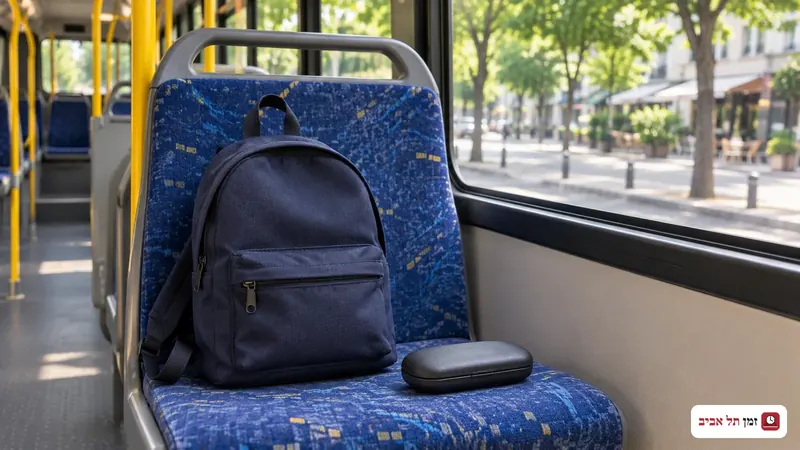
Before travelling to collect lost property, identify the company that operated your journey and ask whether the item has been found and where it is being held. Dan and Metropoline have different collection addresses and hours. Getting off a bus in Tel Aviv does not establish where a lost item will be collected.
Reconstruct the journey while it is fresh: route number, direction, date, approximate boarding time and the stops where you got on and off. If you have a journey record or a photograph taken during the trip, see whether it helps identify the operator. Do not rely solely on the colour of the vehicle or a company you remember from a similar route.
Prepare a description someone can use
Write down the item, colour, model and a distinctive feature that would not be obvious to anyone else. Add where you were sitting and where you put it, if you remember. Mark uncertain details as estimates instead of turning them into facts.
Have a way for the operator to contact you. Keep the date of your enquiry, the company's name and any reference number provided. These are suggestions for organising information, not a universal official checklist or a promise that the item will be recovered.
Dan: the lost-property office is in Bnei Brak
According to Dan's customer-service page, its lost-property department is at 14 Baruch Hirsch Street, Bnei Brak, Beit Sela, fifth floor. The telephone number is 03-6933280. Published hours are Sunday to Thursday, 07:30 to 15:00; the department is closed on Friday.
Dan also lists a break in telephone and in-person service from 10:30 to 11:00. Check the planned arrival time as well as the day. Do not travel to a different corporate office on the assumption that every Dan office handles lost property.
Metropoline: ask the service centre where to collect
Metropoline directs lost-property enquiries to *5900. Its Tel Aviv collection point is listed on the sixth floor of the Central Bus Station. Published hours are Sunday to Thursday, 08:00 to 15:45, and Friday, 07:00 to 13:00.
The company has collection points in other cities too. Confirm where your particular item is held before making the journey; the Tel Aviv address is not evidence that everything lost across the network goes there. These hours apply to the local office. A temporary closure notice for another city should not be transferred to this one.
If another company operated your journey, use that operator's official lost-property page. This guide covers two companies and is not a complete directory of public transport operators.
Before you go to collect
Ask whether the recovered item matches your description, confirm the precise collection address and check that day's opening hours. Find out what identification or evidence of ownership is required and whether someone else may collect on your behalf. There is no single collection rule in this guide that applies to every operator.
Share identifying details through official channels. In a public lost-property post, keep some distinctive features back for a private conversation. Do not publish a clear photograph of an identity document, a password or an access code. Explain what needs checking without exposing unrelated personal information.
What if it was handed to the police?
The Israel Police found-property database covers items worth more than NIS 2,500 that were handed to police. It is not a list of everything lost in the city. If an entry could describe your property, contact the station identified in the record. An empty search result does not establish that the item has not been found elsewhere.
If the operator has not yet found a match, ask how and when to follow up, and retain your enquiry details. Recheck the official page before travelling: normal opening hours are not confirmation of service on a holiday or during a temporary change.